Reading time: 4 minutes
Wondering how to find the right sources to help you ace your next assignment? We’re taking you through the process step by step so you can find just what you need!
Start with the assignment outline
Read through the assignment outline to check what sources you need to engage with. Do you need to cite a specific number of peer-reviewed journal articles? Do your sources need to be from the last 5 years? Maybe you need to cite case studies or government reports. Knowing this can help you plan your assignment too!
Review the course readings and your notes
Next, reread your course readings and notes to map out which parts of your plan already have sources and what you still need to find. Use these to make a plan for your assignment.
Make a list
Make a list of the different sources that you need based on your outline. These can include:
- Primary sources: primary sources are used to provide first-hand evidence of an event and can include news articles, government documents, interviews, and statistical data
- Secondary sources: secondary sources provide analysis or interpretation of primary sources and can include journal articles, dissertations, textbooks, and edited collections
Whether a source counts as primary or secondary can depend on your discipline and how you use it, so check with your unit coordinator if you’re unsure.
Pick your database
Once you know the kind of sources you need, choose the database you want to use. The Curtin Library gives you access to a whole range of databases and publisher platforms, such as ProQuest, Scopus, Sage Journals, and Emerald Insight. Each one covers different journals and ranks results differently, so it can be useful to cross-reference your searches on Google Scholar and the Curtin Library to find the most relevant sources.
If you’re searching for primary sources, you might find that using a search engine like Google or Ecosia works best! You can also try the library’s news databases, such as Factiva, or the Analysis & Policy Observatory (APO) for Australian government and policy reports.
Design your search strategy
Based on your outline, identify the key concepts each source needs to address, then list keywords for each concept. For example, if you are looking for sources on how social media algorithms contribute to political polarisation in Australia, your search might look like:
Social media, politics, polarisation, Australia
Refine your strategy
Once you start searching, pay attention to the results that come up. Are they what you are looking for? If you’re getting too many results on unrelated topics or from the wrong fields, try more specific keywords or use filters such as date, subject area, or peer review. If you’re getting too few, try synonyms or related terms. For example, you could swap ‘polarisation’ for ‘echo chambers’ or ‘social media’ for ‘platforms’. You can even combine search terms using Boolean operators:
(“social media” OR platform*) AND politic* AND (polari* OR “echo chamber*”) AND Australia*
Here, OR finds any of the alternative terms, AND means every concept must appear, quotation marks search for an exact phrase, and the asterisk finds different word endings (e.g. polari* finds polarisation, polarization, and polarised). Symbols can vary slightly between databases, so check the database’s help page.
Assess your sources
Now that you’ve found some sources, you need to make sure that they are trustworthy and appropriate for an academic context. There are different ways to do this:
- Check for relevance: Does the source address your topic? Is it recent enough for your field, and does its discipline suit your argument?
- Check the author: Who wrote it? Are they an academic or an industry professional, and what expertise do they have on the topic?
- Check where it was published: For journal articles, check that the journal is peer reviewed. You can filter for peer-reviewed results in most databases. Being listed in a database does not guarantee a journal is peer reviewed, so check the journal website if in doubt.
- Check the references: Does the author support their claims with reputable sources (just like you!)?
- Check for bias: Who published or funded the source, and could this shape its argument?
Repeat
Finding sources is a process, and it can take time and practice to find what you need. As you read and write, you might find new topics that weren’t in your outline, and these will need sources too. While it can feel tedious, searching for sources is a great way to build your critical thinking skills. If you ever feel stuck on an idea, you might just be missing the source you need!
Want more tips?
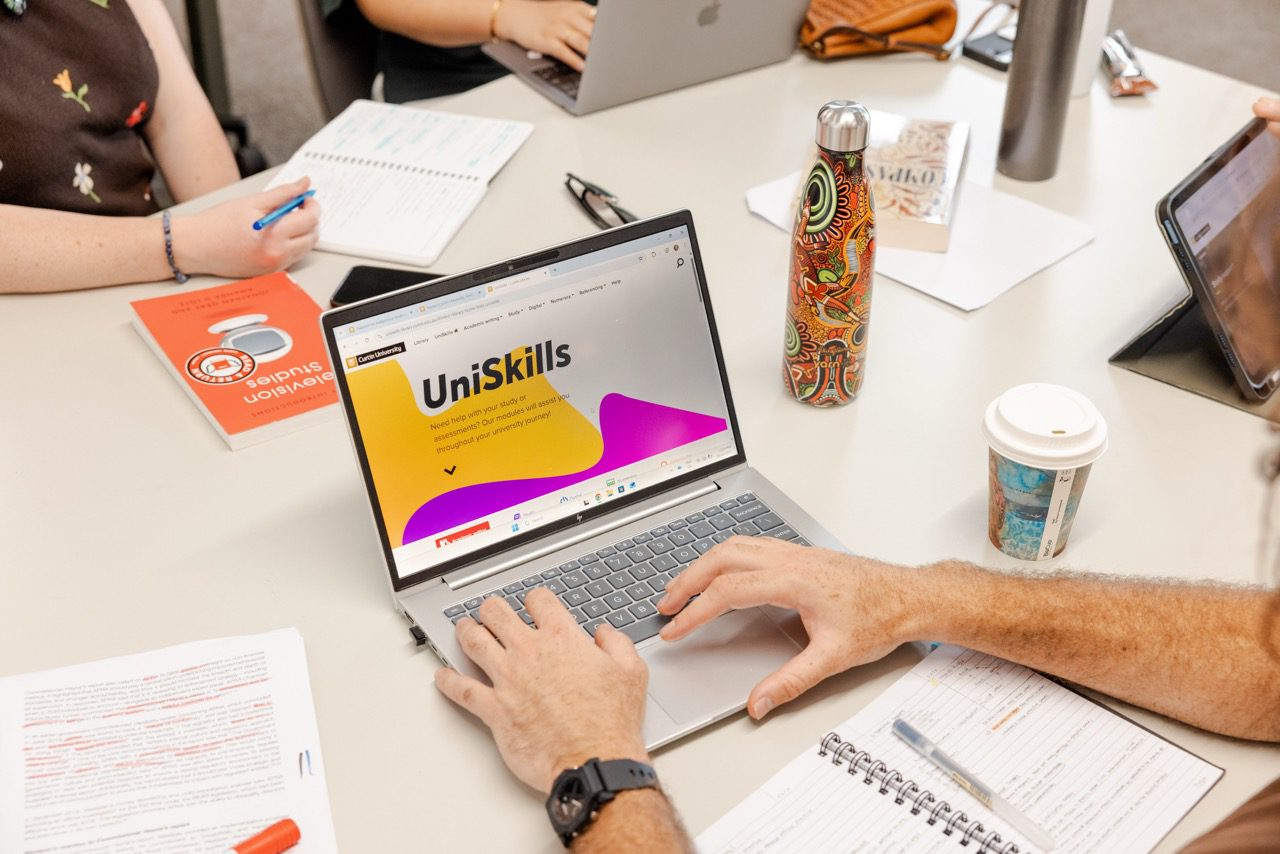
Check out the Library’s UniSkills guide on Finding Information for more tips on search strategy. If you need help with identifying keywords or finding the right sources, you can always book a session with one of our Peer Academic Mentors to get one-on-one help with your search strategy.
Written by Faye Mercier, Peer Academic Mentor and HDR Student in Internet Studies